 By Rakesh Joshi
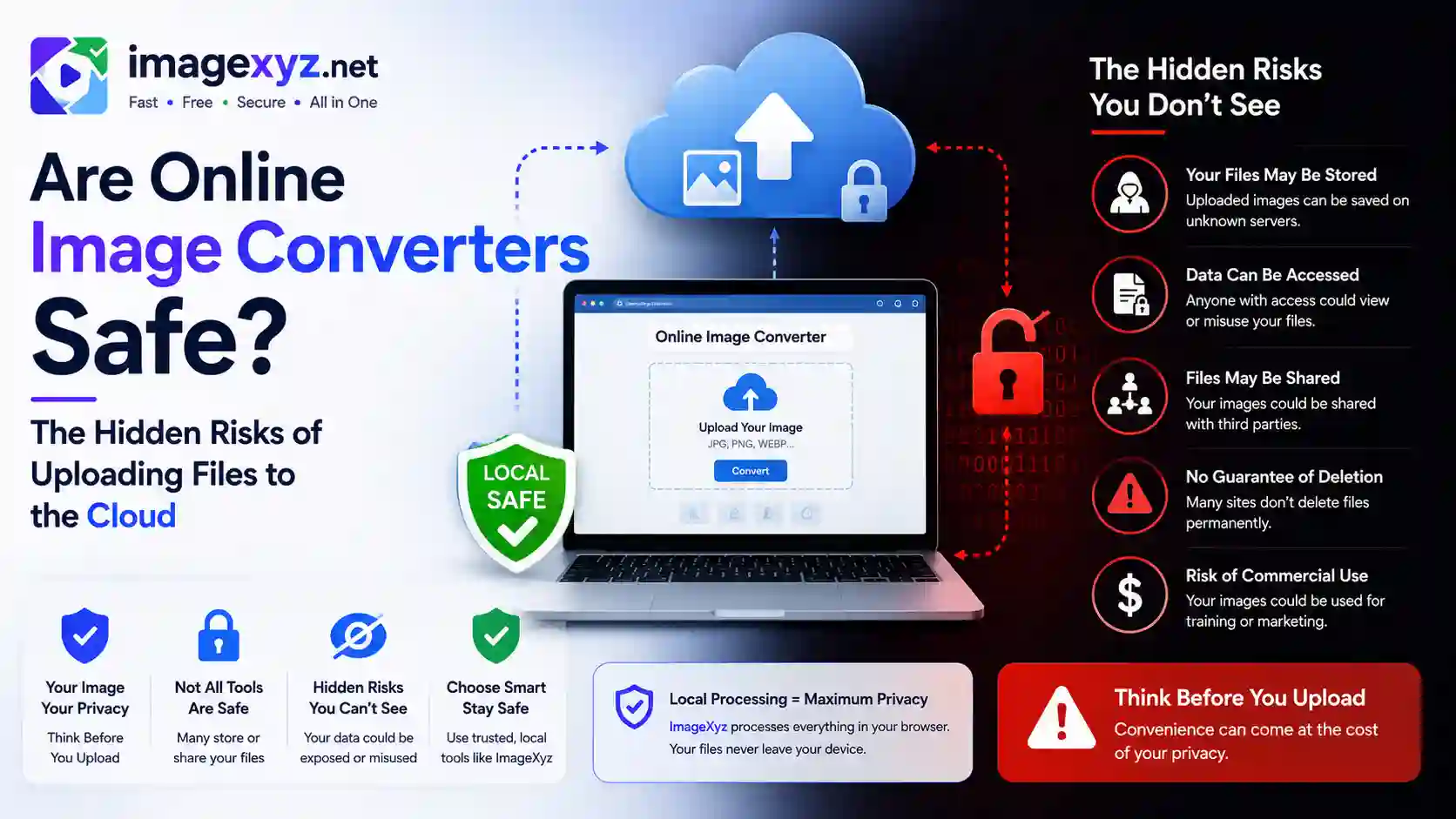
When you need to quickly resize a scan, convert a transparent logo, or change format extensions, you might grab the nearest web utility. But a crucial question arises: Are Online Image Converters Safe? The Hidden Risks of Uploading Files to the Cloud can expose your private data, business documents, and system configurations. While uploading a standard photograph feels harmless, the process of sending data to unverified servers carries security risks. In this detailed guide, we explore the potential dangers of cloud-based file processing and show you how client-side conversion at ImageXyz's Image Converter keeps your data safe by processing files locally on your machine.
Traditional image converters require you to upload your files to their external servers. This transaction consumes bandwidth and sends potentially sensitive metadata over the web. Whether you are formatting transparent PNGs via PNG to JPEG, extracting files using JPEG to PNG, or removing GPS tags using Metadata Remover, keeping the data on your machine is the safest option. Operating entirely within your browser sandbox, ImageXyz processes your images locally in browser memory without sending a single byte over the internet.
Convert Files Locally & Securely
If you have sensitive images, employee badges, or official documents that need format conversion, do not upload them to external servers. Use our secure, client-side Local Image Converter. All operations execute in your browser with zero network transmission.
The Conveniences of Free Web Converters: A Double-Edged Sword
Web-based utility sites are incredibly popular. They require no installation, work on any operating system, are completely free, and process files in seconds. Millions of users upload documents, medical records, signature scans, passport photos, and proprietary graphic designs to these services daily.
However, this convenience hides a major architectural flaw: server-side execution. To convert your file, these sites force you to upload your original document to their cloud server. This structure introduces multiple points of vulnerability, from transit intercept to server-side retention and security breaches.
The Mechanics of Cloud-Based Converters: Follow the Data
To understand the security risks, let's track the path your file takes during a standard server-side conversion:
- Upload Phase: Your browser opens an HTTP POST request, transmitting your binary image data across the internet to the cloud hosting provider of the service.
- Storage Phase: The server saves your file to a temporary directory. On poorly configured sites, these directories may have open read permissions, allowing other users to access recently processed documents.
- Processing Phase: An executable script (typically leveraging command-line utilities like ImageMagick or FFmpeg) runs on the server, reads the image, and compiles it into the target format.
- Download Phase: The server outputs the converted file to a public download directory and generates a retrieval link for your browser.
- Cleanup Phase: The site Terms of Service may claim to delete files within 1 to 24 hours. However, system backlogs, server crash logs, and temp directories often retain files much longer.
Five Major Privacy and Security Risks of Cloud Converters
Uploading files to a cloud-based server introduces several security threats:
1. Insecure Temporary Storage & Server Misconfigurations
Many free utility tools are managed by individual developers or small teams with limited security expertise. Their servers are frequently misconfigured, leaving temporary folders indexed and visible to the public. Hackers regularly run automated scripts to scrape these exposed directories, collecting scanned IDs, signatures, and personal photos uploaded by unsuspecting users.
2. Data Retention and Vague Terms of Service
When was the last time you read the Terms of Service of a free web utility? Many platforms include clauses granting them a "non-exclusive, worldwide, royalty-free, transferable license" to copy, host, and analyze your uploaded content. Your images may be used to train AI models, generate datasets, or be sold to third-party data brokers without your explicit consent.
3. Metadata Mining (EXIF Data Leakage)
Photos taken by modern smartphones contain extensive EXIF metadata, including your exact camera serial number, capture date, and precise GPS location coordinates. When you upload a raw photo to a cloud converter, you share your physical location history. If the server does not actively strip this metadata, anyone downloading the output file can extract your location as well.
4. Malware and Ad-Network Injections (Malvertising)
Completely free web tools must cover their server costs. They often rely on low-quality ad networks that utilize aggressive pop-ups, redirections, and malvertising campaigns. Simply visiting these sites can trigger drive-by downloads or present deceptive "Download" buttons designed to install malware or browser hijackers on your device.
5. Regulatory Compliance Violations (GDPR, CCPA, HIPAA)
For business users, uploading client or patient data to unverified online converters can constitute a severe compliance breach. Transmitting personally identifiable information (PII) or protected health information (PHI) to a third-party server without a Data Processing Agreement (DPA) violates GDPR, CCPA, and HIPAA guidelines, potentially leading to heavy regulatory fines.
Client-Side Processing: The Secure Alternative
To address these privacy issues, modern web development relies on client-side processing. Instead of sending your images to a remote server, a client-side platform downloads the execution script directly to your browser once.
When you drag and drop a file, the browser reads the binary stream into local memory. Using HTML5 Canvas APIs, the script decodes and compiles the image entirely on your device. Since no data leaves your machine, the conversion is completely secure, private, and works even when you are offline.
Verify Local Execution
You can easily verify if a converter is secure and client-side. Disconnect your computer from the internet (turn off Wi-Fi) and run a conversion. A secure tool like ImageXyz will work instantly while offline, proving your files never leave your device.
Technical Comparison: Cloud Converters vs. ImageXyz Local Tools
This comparison table outlines the technical differences between server-side cloud tools and ImageXyz client-side utilities:
| Security Attribute | Cloud-Based Server Converters | ImageXyz Client-Side Tools |
|---|---|---|
| File Transmission | YES (Uploaded to remote servers) | NO (Processes in local browser memory) |
| Data Retention Risks | HIGH (Files stored in temp folders) | ZERO (Discards data when tab closes) |
| Network Sniffing Vulnerability | MODERATE (Susceptible during upload transit) | ZERO (No internet transmission required) |
| Offline Functionality | NO (Requires active network connection) | YES (Works 100% offline) |
| Metadata Protection | WEAK (EXIF location data read by server) | STRONG (Strips EXIF data locally) |
| Compliance Alignment | RISKY (Violates HIPAA & GDPR guidelines) | SAFE (Fully compliant with local processing) |
How ImageXyz Implements Secure local Conversion
Our client-side platform uses modern browser APIs to provide secure, local conversions:
- HTML5 File Reader API: Reads your selected image file into a local array buffer as a base64 Data URL, allowing immediate in-browser manipulation.
- Offscreen Canvas Context: Draws the pixel grid onto an offscreen canvas element. This step extracts the raw visual data while discarding the metadata headers.
- Browser-Based Canvas Encoding: The canvas element exports the pixels to the target format (e.g.
canvas.toDataURL("image/jpeg", quality)). This creates a new, clean file entirely in browser memory. - Local Blob Trigger: The compiled image is converted into a binary Blob URL. Our scripts trigger a download event, saving the clean file directly to your system.
Pre-Conversion Privacy Checklist
Before using any online converter, follow this security checklist to keep your data safe:
- Test Offline Compatibility: Turn off your Wi-Fi and attempt to convert a file. If the tool fails or hangs, it requires a network upload and is server-based.
- Inspect the Terms of Service: Avoid platforms that reserve the right to retain, copy, or distribute your uploaded files.
- Strip Metadata Locally First: If you must use a server-side converter, run your image through a local metadata stripper first to remove location tags and camera profiles.
- Check for Malicious Ads: Avoid converters cluttered with intrusive pop-up ads, redirect prompts, or fake download links.