Start 100KB Precision Resizing
drop image here to enter professional editor
Related Compression Tools Optimize your images to other specific sizes
Expert Guide: How to Resize Image to 100KB for Official Portals
In the world of online job applications, college admissions, and government registrations, the technical specifications of your digital assets can be a major hurdle. The requirement to resize image to 100KB is one of the most common constraints faced by users today. Whether you are applying for UPSC, SSC, IBPS, or any other recruitment portal, hitting that precise 100KB threshold while maintaining high visual quality is crucial. Our professional 100KB photo resizer is engineered to handle this task with surgical precision, ensuring your documents are accepted on the first try without any quality compromise.
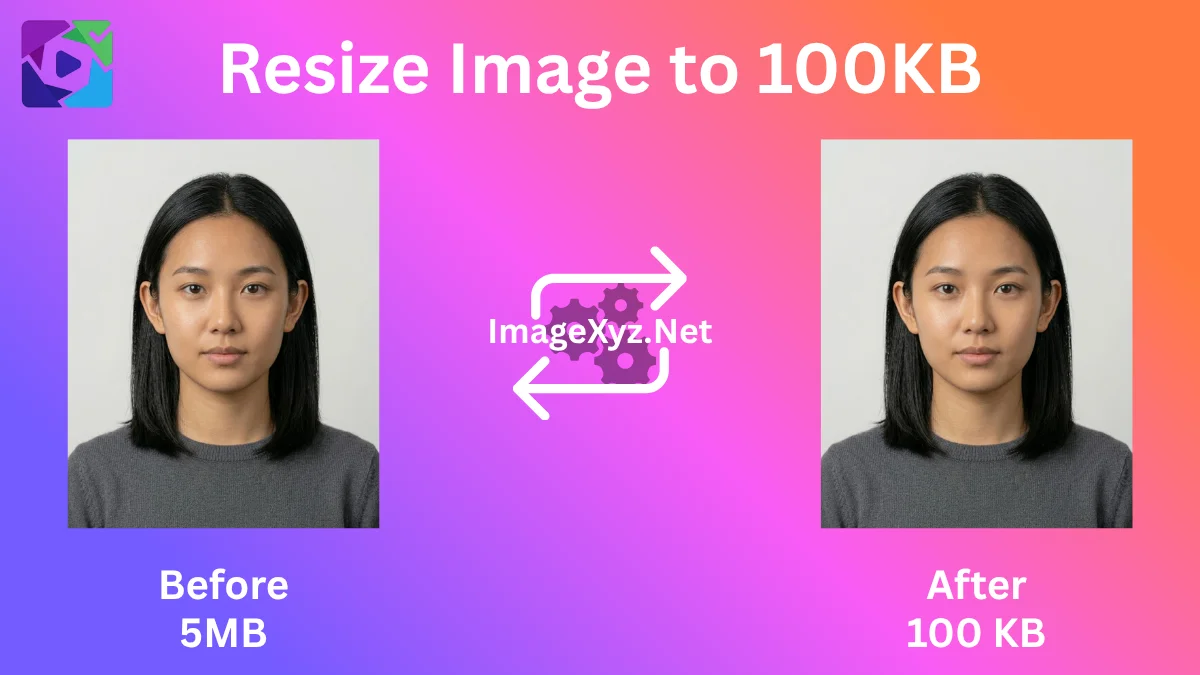
Visual guide: Professional 100KB image resizing for government job and admission portal compliance.
At ImageXyz, we understand that a "100KB limit" doesn't mean you should settle for a blurry or pixelated image. Our tool uses advanced iterative compression logic to balance file size and clarity. Unlike generic online tools that simply shrink your photo, we provide a full suite of master features including pixel-perfect dimension control, rotation, and orientation adjustments. This means you can reduce image size to 100KB online while ensuring your signature remains sharp and your passport photo meets the official biometric standards.
Why 100KB is the Professional Gold Standard
Why do so many official portals choose 100KB as their target? It's the "sweet spot" of digital documentation. At this size, a JPEG image is large enough to carry sufficient detail for human verification and OCR (Optical Character Recognition) systems, but small enough to be stored efficiently in massive government databases. When you resize image to 100KB online free on our platform, you are preparing your assets for the most rigorous technical checks. Our engine optimizes the internal metadata and Huffman tables of your JPEG, giving you a file that is technically superior and visually indistinguishable from the original.
Mastering Resolution and Aspect Ratio
Often, a portal will ask for both a file size limit (e.g., 100KB) and specific dimensions (e.g., 3.5cm x 4.5cm or 413x531 pixels). This is where our pixel resizer excels. You can manually input the required width and height while our background engine handles the KB target. By using the "Aspect Ratio Lock," you ensure that your facial features are never distorted, which is a common reason for application rejection. We provide the tools you need to change photo size to 100KB with the confidence of a professional graphic designer.
Transformations: Rotate, Flip, and Align
Many users struggle with photos taken on mobile devices that appear sideways or upside down when uploaded. Our 100KB image compressor includes a live editor where you can rotate your image in 90-degree increments or flip it horizontally and vertically. This is particularly useful for fixing signature orientation or correcting the alignment of scanned certificates. See your changes in real-time with our high-definition live preview before you ever hit the download button.
Privacy by Design: Your Data Stays Yours
In an era of data breaches and privacy concerns, uploading your sensitive documents to a random server is a risk. ImageXyz is built on a privacy-first, client-side architecture. When you use our tool to compress image to 100KB, every calculation happens locally in your browser's RAM. Your photos are never uploaded to any cloud server, ensuring that your ID proofs, signatures, and personal photographs remain 100% private. It's the most secure way to handle professional documentation on the web today.
Technical Deep-Dive: The Iterative Engine
How does our tool get so close to the target? We use a proprietary iterative optimization loop. When you upload a file, our engine runs multiple "test compressions" in milliseconds, adjusting the JPEG quality and resolution scaling dynamically. If your file is still over 100KB, it automatically scales down the resolution slightly while maintaining sharpness. This ensures that you get the highest possible resolution at the 100KB limit, rather than just a highly-compressed, blurry mess.
Common Portal Requirements for 100KB Images
Many official systems around the world have standardized their requirements. Here are a few examples where our 100KB resizer is your best ally:
- UPSC Applications: Often require photographs between 20KB and 100KB.
- SSC Portals: Demand high-clarity signatures and documents within the 50KB to 100KB range.
- IBPS Exams: Strict photo and signature guidelines that often cap at 100KB.
- Visa Applications: Many embassies (like the US or Schengen) require digital photo uploads to be precisely optimized.
The User-Centric Experience
We've designed this tool to be accessible to everyone. There are no complex menus, no hidden costs, and no watermarks. Whether you are on a high-end desktop or a budget smartphone, our responsive image tool works perfectly. It's human-centric technology designed to solve a real-world problem with speed and elegance. Stop fighting with complex software and use the best 100KB image resizer to finalize your projects today.
Resize to 100KB FAQ
How do I resize an image to 100KB exactly?
Simply upload your image to our tool. Our engine will automatically run multiple optimization loops to hit the 100KB target as closely as possible while preserving the best quality.
Is this 100KB compressor free for commercial use?
Yes, 100% free. You can use all ImageXyz tools for personal, professional, or commercial projects with no limits or watermarks.
Will my photo be blurry at 100KB?
No. 100KB is actually a generous size for web photos. Our tool uses advanced sharpening and smart scaling to ensure your photo remains clear and professional-looking.
Can I change the DPI while resizing to 100KB?
Yes. Our tool optimizes the internal density headers (DPI) to ensure that your 100KB file is ready for high-quality printing if required by the portal.
Does this tool work on iPhone and Android?
Absolutely. ImageXyz is a progressive web utility. You can resize photos to 100KB on your phone directly in your mobile browser without installing any app.
What is the difference between resizing and compressing?
Resizing changes the physical dimensions (pixels) of the image, while compressing reduces the file size (KB) by optimizing the data. Our tool does both simultaneously for the best results.